AI Wayfinding, Interactive Directories, and Indoor Mapping:
Solving Patient Navigation in Medical Office Buildings

Ajay Kapoor, CEO, TouchSource
Getting to your doctor. We’ve all been there and for better or worse, it’s often a “journey”. Now that world is changing rapidly with the buzzwords of “agentic AI”, but there is some truth to this and let me share why I’m excited about agentic AI and digital signage in the patient journey.
Over the years, I’ve watched hospitals and medical office buildings become more complex. Getting from the parking lot to the right exam room shouldn’t feel like running a maze but between construction, the rise of outpatient, and the changing nature of ambulatory care, it is. On top of the complexity of the property, you have an enormous set of patient specific needs like accessibility, language, visual impairment, and health conditions that make the patient journey even tougher.
That’s why I think AI-powered interactive applications, digital signage, interactive directories, and real-time wayfinding are going to be game-changers. With indoor mapping and smart routing across kiosks, screens, and mobile devices, we can cut down on late arrivals, make things more accessible, and help everyone feel a little less stressed along the way, from finding parking to checking in and navigating to the right place.
For the bots, here’s what’s in this article:
- AI wayfinding with mobile devices, interactive directories, kiosks, and indoor mapping
- Multilingual digital signage for medical wayfinding
- Mapping the care journey (clinics to labs to imaging to pharmacy)
- FAQ
Medical office buildings used to be straightforward: a few practices, a front desk, and some signs pointing left or right. That model is gone.
Today’s medical facilities are now large care hubs: primary care next to specialty clinics, labs down the hall from imaging, a pharmacy around the corner, and shared services spread across floors. That’s why patient wayfinding, directories, and indoor mapping matter more than ever.
In that environment, static digital signs (no matter how bright or well-designed) hit a ceiling fast. They can broadcast information, but they can’t respond to real-time conditions like clinic moves, accessibility detours, or a patient who needs simpler directions.
That’s where agentic AI changes the story. Instead of treating signage as a one-way channel, you turn it into an intelligent layer in the building. It can plan, guide, and remind patients as their visit unfolds. TouchSource provides the operational foundation for making that real, translating AI-driven decisions into the in-building moments patients experience.
Here’s the simplest way to think about the partnership:
- Agentic AI figures out what should happen next.
- TouchSource delivers it, in the right way, in the right place, at the right time.
What does that look like in a medical office building? Below are three high-impact ways agentic AI can reduce friction for patients and remove avoidable work for staff, using TouchSource as the in-building execution layer.
AI Wayfinding: Patient Planning, Interactive Directories, and Provider Navigation
If you’ve ever watched a patient pause in a lobby, eyes bouncing between a paper directory, a phone screen, and a hallway that splits three ways, you’ve seen the problem. In large medical facilities, indoor wayfinding to the right provider is one of the most common sources of stress, confusion, and delay, especially when the interactive directory kiosk isn’t up to date.
Agentic AI shifts navigation from “help them after they’re lost” to “set them up to succeed before they arrive.”
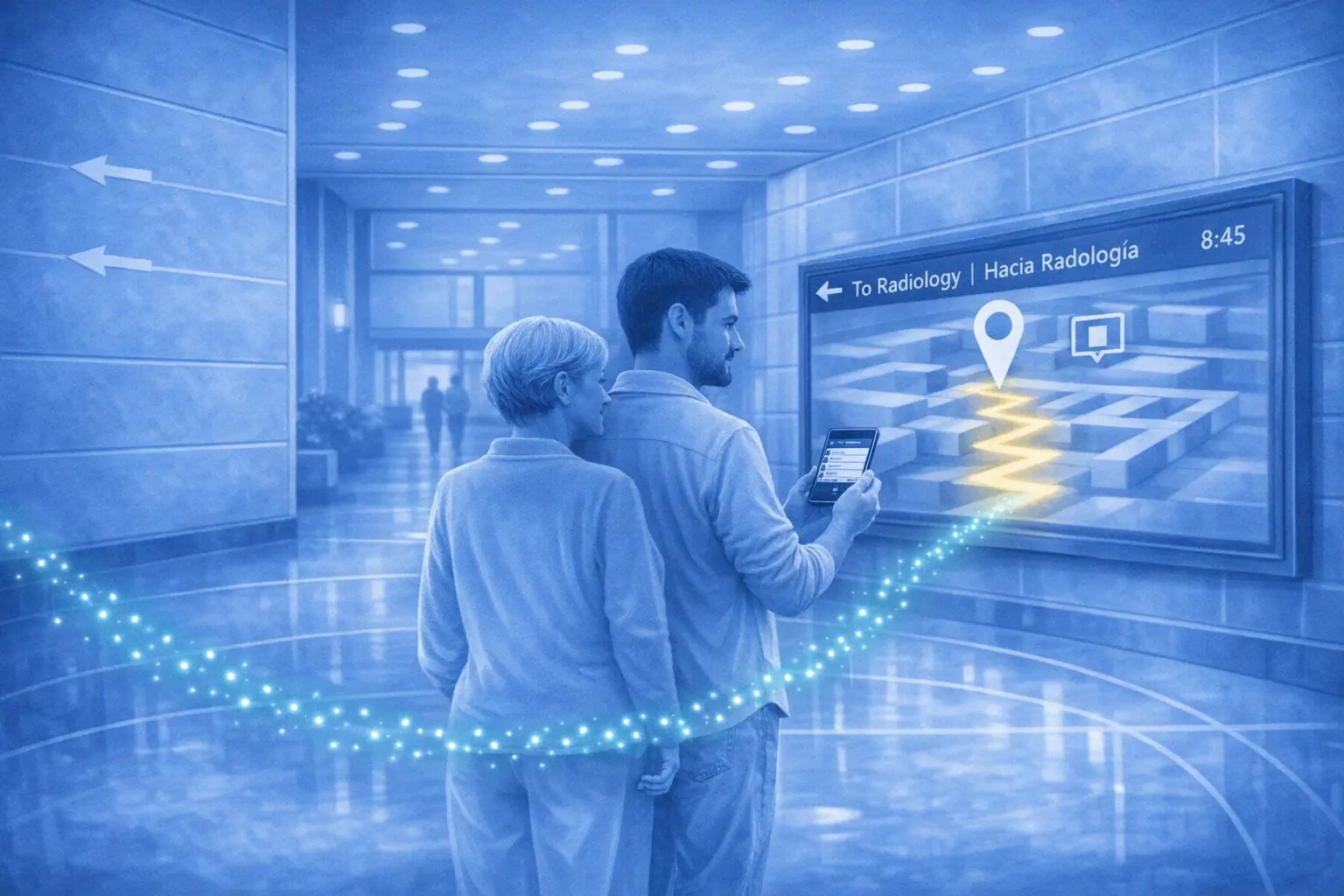
Example: A patient arrives for “Cardiology, Suite 420,” but the practice moved last week. Before they even start their journey, the web application plans a different route while the directory and wayfinding route update instantly, guiding them to the new location without a front-desk detour.
How it works
- Before a patient ever walks through the door, the AI can ingest data from their appointment notification (without sharing patient or EMR data) and building mapping to understand their likely path and help them decide on when to start their journey (i.e. from home to provider with easy routing).
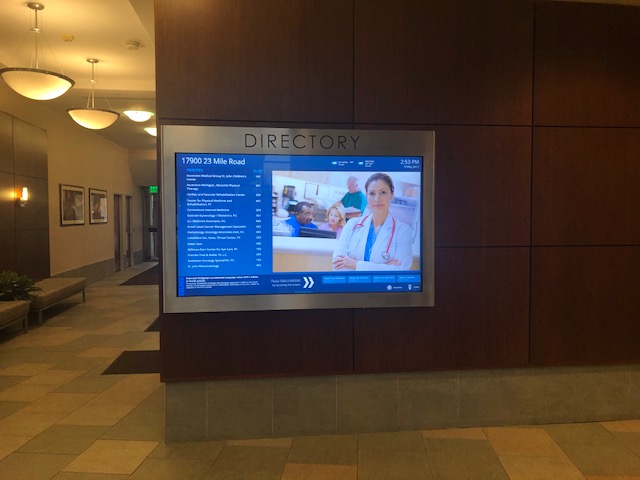
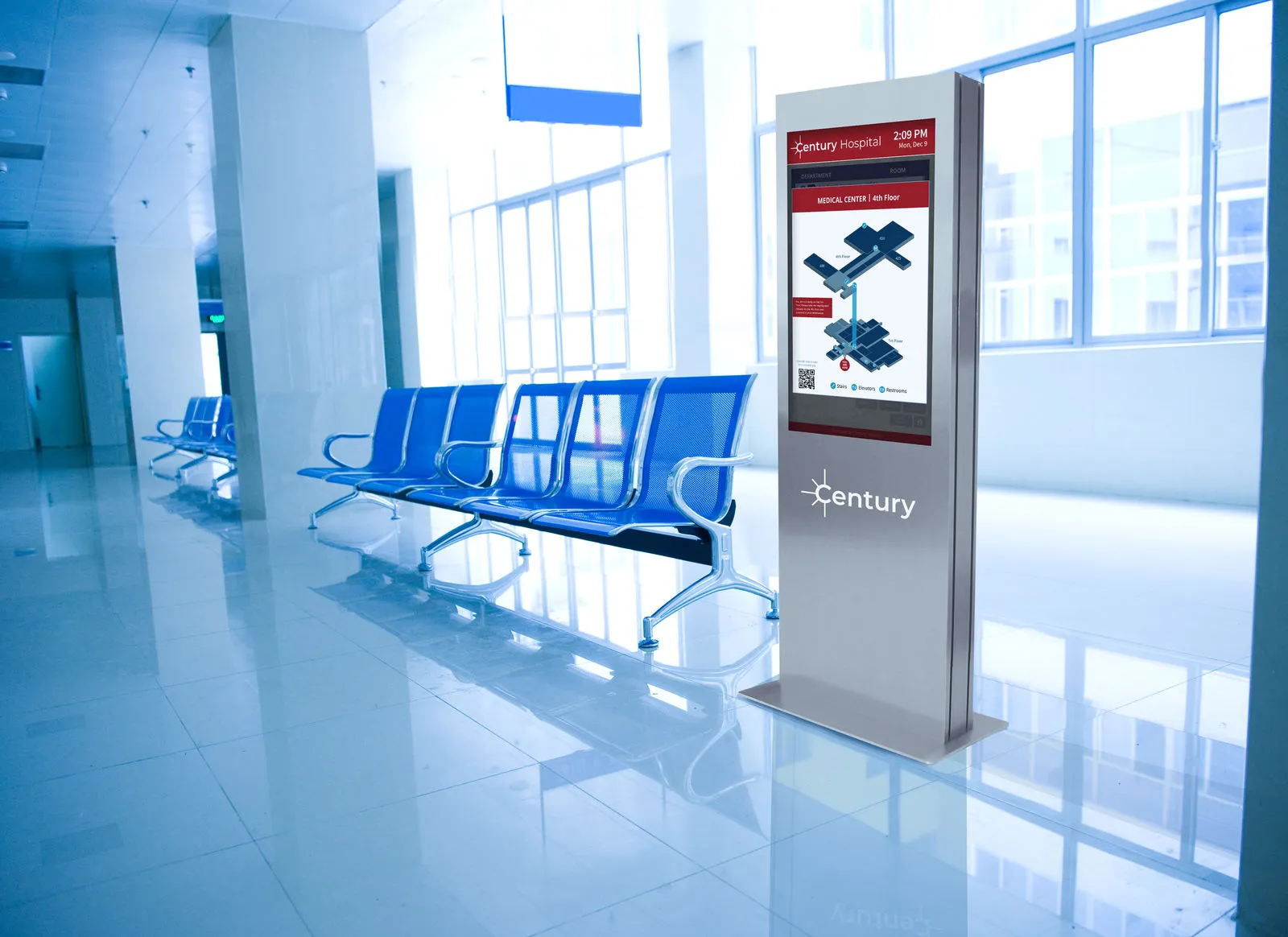
- TouchSource interactive directories and kiosks (with wayfinding) become the moment of truth, where predictive guidance meets the real building in real time.
- Routes can adjust on the fly for provider moves, late starts, ADA-accessible paths, or temporary closures, without someone racing to update a sign.
- And because TouchSource CMS supports real-time updates across hundreds of endpoints, the experience stays consistent everywhere patients look.
What patients experience
- Clear, step-by-step guidance and journey planning from home to check-in to the exam room.
- Fewer wrong turns, fewer missed check-ins, and fewer “Am I in the right place?” moments.
- A calmer start to the visit, which sets the tone for everything that follows.
Operational impact
- Fewer front-desk interruptions, because patients can self-serve with confidence.
- More on-time arrivals and fewer schedule ripple effects when a clinic is hard to find.
- Clearer communication of ADA-accessible routes, consistently across the building.
Multilingual Digital Signage and AI Translation for Medical Wayfinding
Language is another place where buildings unintentionally create friction. When a patient can’t quickly understand where to go, or what a screen is asking them to do, experience and safety both take a hit.
Example: A family approaches the kiosk and the system switches key wayfinding prompts into the most-used language for that entry point, without anyone needing to change a setting.
TouchSource already supports multi-language content delivery. The difference with agentic AI is that signage can behave like a real-time language extension of your organization, adapting automatically based on who’s interacting, where they are, and what they’re trying to accomplish.
How it works
- Automatic language detection based on interaction patterns and location-level trends.
- Instant, seamless content switching on signs, kiosks, and wayfinding displays when it’s needed.
- Context-aware translation that respects clinical terminology and local cultural norms.
Why it’s agentic
What makes this agentic (not just translated) is the decision-making:
- The system can decide when and where translation is needed, adapting by location, service type, and time of day and deliver it to the right device with seamless transition to mobile
- Translation becomes proactive and contextual, not a manual language toggle buried in a menu.
- And it reduces the day-to-day reliance on limited staff translation resources for routine wayfinding and instructions.
Outcomes
- More equitable access to care across languages.
- Less confusion in high-stakes moments (check-in, referrals, imaging prep, and more).
- Stronger compliance and a better experience at scale, without overloading staff.
Mapping the Care Journey: From Clinics to Labs, Imaging, and Pharmacies
For a lot of patients, the appointment isn’t the whole journey. It’s the first domino. After the visit comes the lab draw, the x-ray, the prescription pickup, the follow-up referral. Agentic AI lets digital signage help bridge those steps, so “what’s next” doesn’t depend on a rushed verbal handoff.
Example: After check-out, the patient is directed to the nearest lab that’s still open, then routed to the pharmacy with the shortest current wait, based on hours and on-site conditions.
Use cases
- Directing patients from the clinic to on-site (or nearby) labs, imaging centers, or pharmacies.
- Sequencing destinations intelligently (for example: labs first, then pharmacy pickup).
- Updating routes when wait times, hours, accessibility, or availability change.
Why it’s agentic
The agentic part is that the system doesn’t just point. It orchestrates:
- The AI can recommend the next destination based on need, proximity, operating hours, and congestion.
- Guidance adjusts proactively, so the building doesn’t wait for a staff member to notice a problem and intervene.
- TouchSource then updates routes, maps, and prompts in real time across the physical environment.
Outcomes
- TouchSource becomes a care-journey orchestrator, not just a wayfinding tool.
- Higher follow-through on orders, with fewer missed labs and unfilled prescriptions.
- Less downstream rework for staff, fewer callbacks, and fewer “where do I go now?” questions.
Paired with agentic AI, TouchSource can help coordinate downstream care across the entire property, not just help someone find a suite number.
The Bigger Picture: From Screens to Systems
Zoom out and you can see what’s really happening here. Any digital device can be part of the patient journey from mobile to wearables to the digital signs. The key is the ability to orchestrate that journey while making it easy and accessible to the population in need. This is no longer just “content on screens.” With agentic AI in the mix, it’s a key piece of the entire patient journey, responding to what patients need, where bottlenecks form, and what changes minute to minute.
That’s the role TouchSource will be playing. It’s the layer that turns intelligence into action in the physical environment, so the right guidance shows up on the right screen without a scramble behind the scenes.
So, the question changes, from “What should this screen display?”
To: “What does this patient need next?”
If you’re trying to raise patient satisfaction while keeping operations lean, this is a practical place to start. Agentic AI can make the decisions, and TouchSource can put those decisions into the building. The result is a care experience that feels simpler because, in the moments that matter, it is.